

Get answers in natural language without leaving your docs
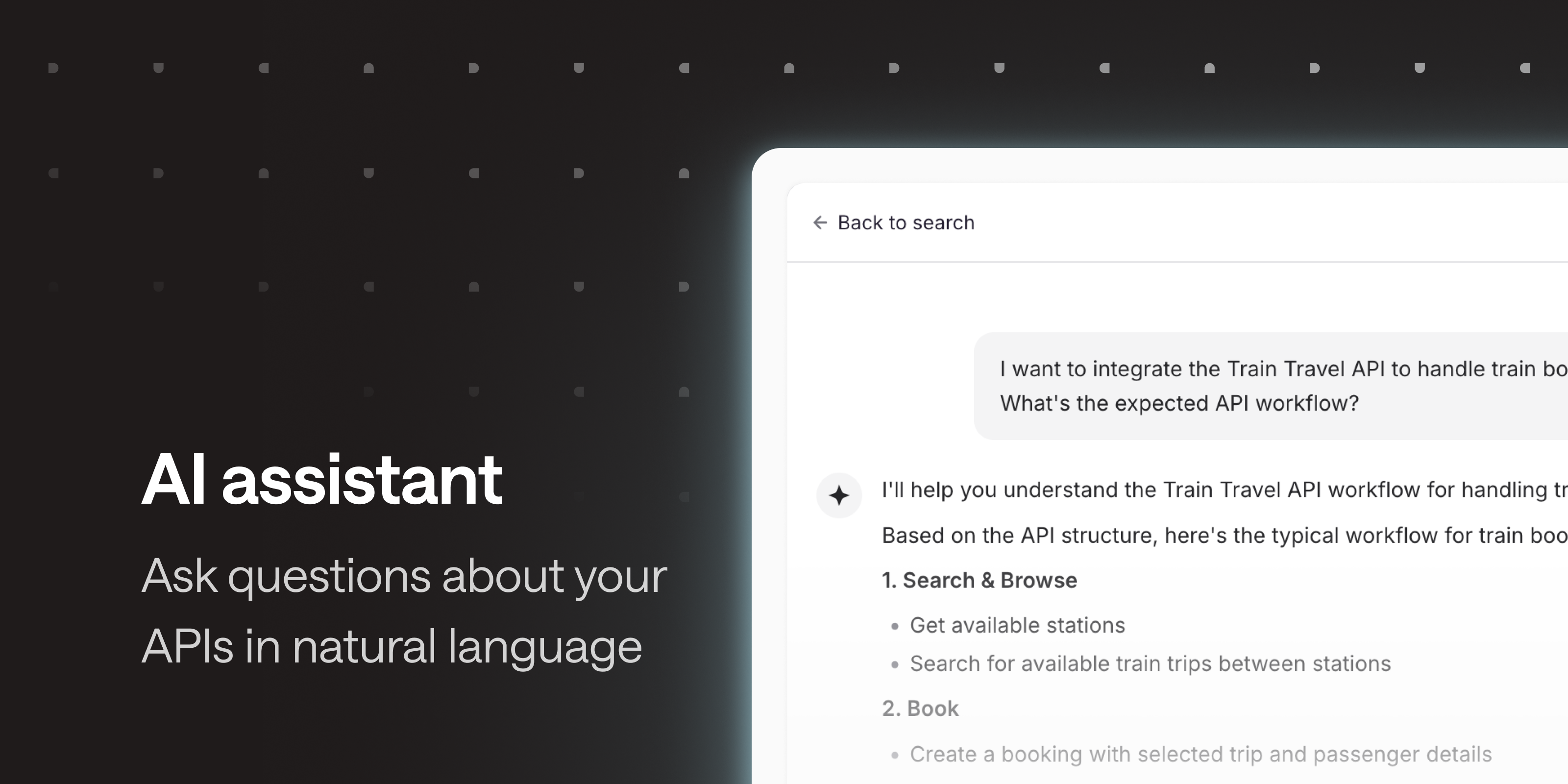
Keyword search is perfect when your users know what they’re looking for. But some questions aren’t that straightforward: “How do I book a trip for two passengers?”, “What’s the payload for GET /trips, and what does it return?”. Answering them might mean checking multiple operations, then putting the pieces together to get the global picture.
Your API docs search now comes with an AI assistant. Your users ask their question in natural language, and get a reliable answer built from your documentation. Ask for a request payload, and get the actual body expected by the operation. Ask what the API returns, and get the response structure, based on your examples and schemas.
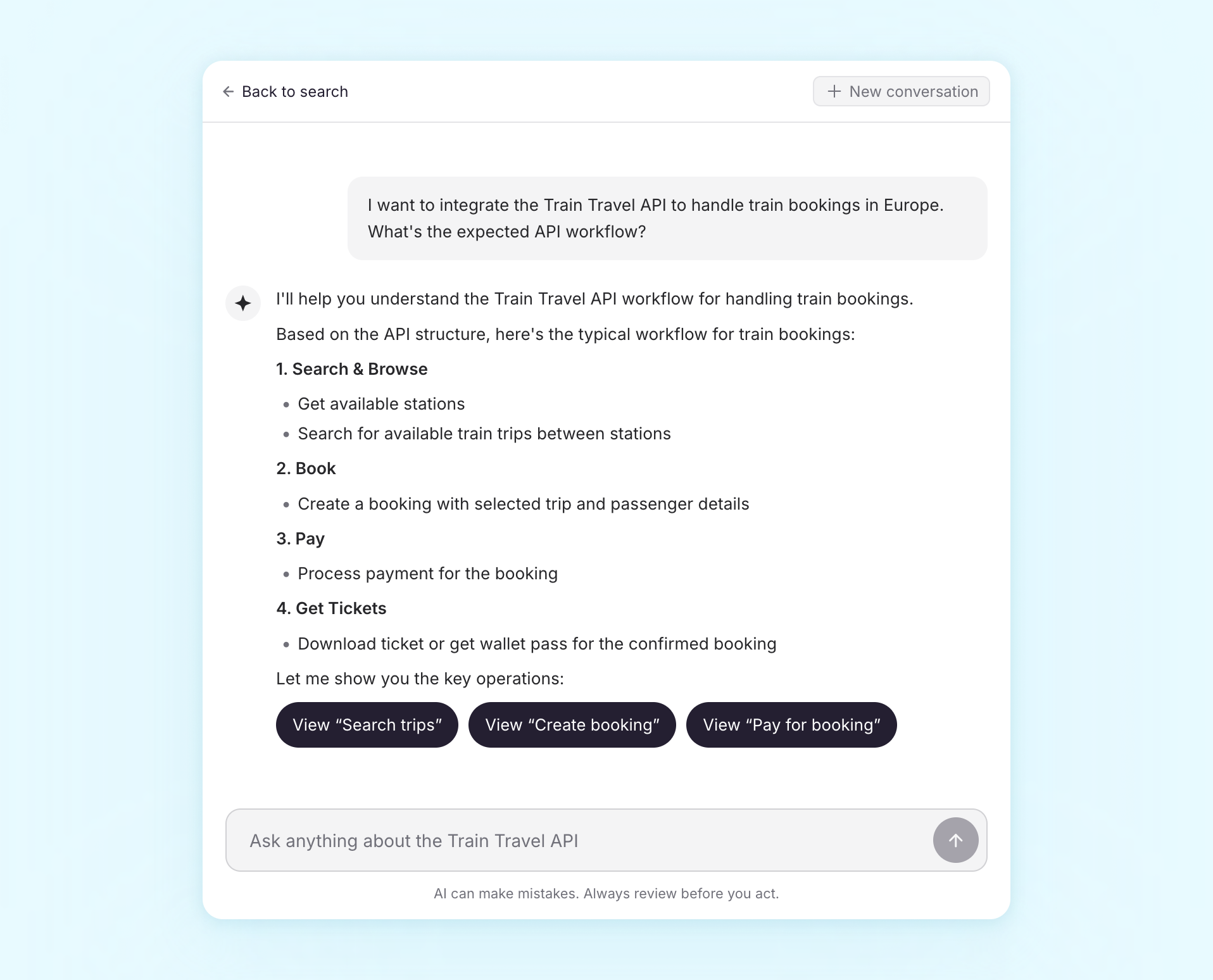
Under the hood, the AI assistant uses the same search capabilities as the Portal API and your doc MCP server: same content, whether your users ask from your docs, their IDE or their favorite AI tool.
It’s available for public docs and hubs. Manage it in the the Ask AI section of your hub or API settings. Learn more in the help center.
Questions or feedback? Reach out at hello@bump.sh.